Yapper Maker
A downloadable tool for Windows
Your bot. Your rules. Built visually.
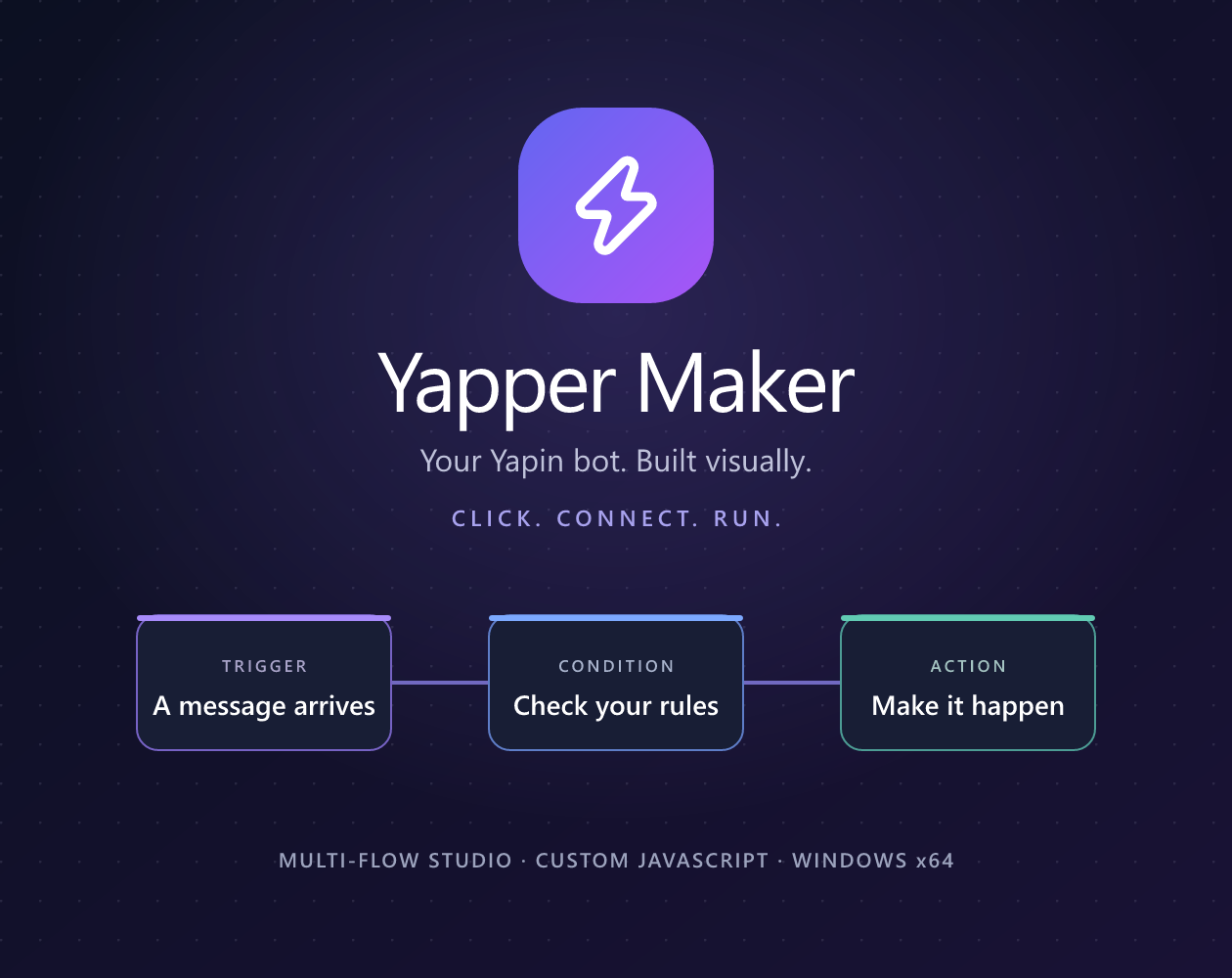
Click. Connect. Run. Turn your ideas into a working Yapin bot with a desktop studio designed around visual workflows. Start with a template, connect your nodes, and customize every response.
Yapper Maker brings commands, automations and custom JavaScript together in one workspace. Build a simple community helper or organize a more ambitious bot across multiple flows.
Features
Multi-tab visual studio
Build on an interactive React Flow canvas. Keep commands organized with named flow tabs, searchable folders and color coding. Drag and drop nodes, navigate with the minimap, inspect variables and follow execution in the live Bot Log.
Yapin OAuth sign-in
Connect your Yapin profile through your system browser. Bot execution uses a separate bot account token, with optional encrypted local storage.
Community marketplace
Explore built-in flow templates, node packages and studio themes. Preview connected graphs before installing them, then adapt the workflow to your community.
Custom JavaScript nodes
Extend visual workflows with your own JavaScript for calculations, data transformations and specialized bot behavior.
More than basic commands
Work with conditions, variables, lists, loops, HTTP requests, files and local JSON databases. Connect supported Yapin messaging and moderation actions into reusable workflows.
Standalone bot export
Export a standalone Node.js bot with a Windows launcher. Run your bot without keeping the studio open on a computer or server that stays online.
System requirements
- Platform: Windows x64.
- Internet: Required for Yapin sign-in, bot operation and online integrations.
- Bot account: A Yapin bot account and token.
- Standalone exports: Node.js 22 or newer on the machine running the exported bot.
The Windows desktop installer includes its application runtime.
Installation
- Download the Windows x64 installer below.
- Run the installer and follow the setup instructions.
- Open Yapper Maker and optionally connect your profile with Continue with Yapin.
- Create a project or choose a starter template.
- Enter your bot token, customize your flow and click Start Bot.
Keep your bot token private. Save projects as .yapbot.json files and keep the host computer online while your bot runs. Standalone exports also need an online host; they do not install an operating-system service.
Community & source code
Created by Reflex9947 · @yapin_Reflex9947
Build your first flow today.
Download Yapper Maker and turn your next bot idea into a working project.
Download
Install instructions
Windows x64 installation
1. Download the Yapper Maker Windows x64 installer (.exe).
2. Run it and follow the setup instructions.
3. Open Yapper Maker, choose a starter template or create a project, then enter your Yapin bot account token.
4. Customize your flow and click Start Bot.
The desktop app includes its runtime; Node.js is only needed for standalone bot exports (Node.js 22 or newer). Keep your bot token private and keep the host computer online while the bot runs.